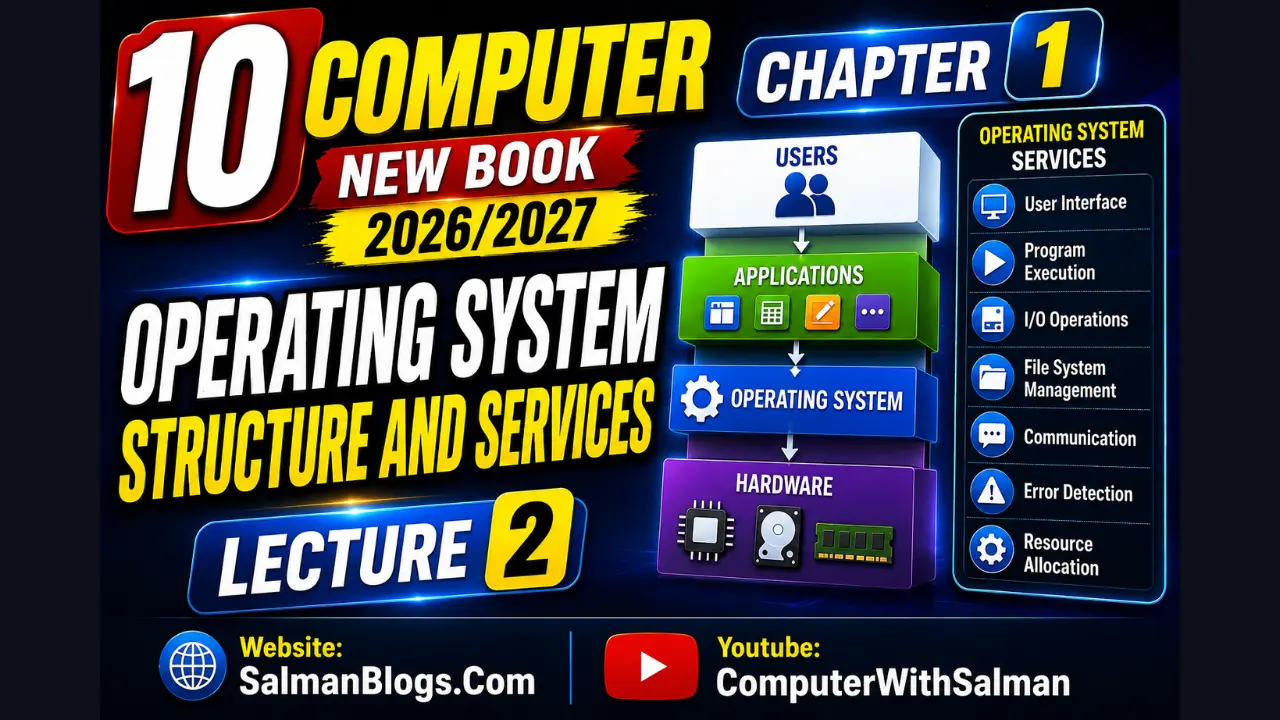
Process Management in Operating System
Process management means the OS controls these processes and gives them resources like CPU time and memory so they can run properly without disturbing each other.
Process in OS
An operating system (OS) manages all the programs running on a computer. When a program is running, it is called a process.
Resource in OS
A resource is anything required by a process to execute.
- CPU time
- Main memory (RAM)
- Cache memory
- Secondary storage (HDD, SSD)
- Input devices (keyboard, mouse, scanner)
- Output devices (monitor, printer, speakers)
Process Life Cycle
A process has 3 main stages:
1. Creation
A process starts when you open a program. The OS loads it into memory and gives it resources.
Example: When you open MS Word or Chrome, the process starts.
2. Execution
The process is working and doing its job.
Example: Chrome loads websites, plays videos, and responds when you click.
3. Termination
The process ends when you close the program. The OS removes it from memory and frees resources.
Example: When you close Chrome, it stops and memory is cleared.
Full Example (Chrome)
- Creation: Click Chrome icon → OS opens it
- Execution: Browse websites
- Termination: Close Chrome → OS stops it
Multitasking and Concurrency
Modern computers are designed to handle multiple tasks at the same time. This helps users work smoothly without waiting for one task to finish before starting another.
Multitasking
Multitasking means using more than one program at the same time.
Examples:
- Listening to music 🎵 while browsing the internet 🌐
- Writing a document 📄 while downloading a file ⬇️
- Watching a video 🎬 while chatting on WhatsApp 💬
- Playing a game 🎮 while music is running in background 🎧
All feel like they are running together.
Concurrency
Concurrency means the CPU does not do everything at once. It quickly switches between tasks, so all tasks keep moving forward.
Examples:
Chef Example:
- cooks rice for a short time
- then checks curry
- then prepares salad
- keeps switching quickly
Computer Example:
- CPU runs Chrome for a short time
- then switches to music player
- then switches to file download
- keeps rotating very fast
Phone Example:
- WhatsApp running in background 💬
- Music playing 🎵
- Instagram loading posts 📱
- System switches between them quickly
So it looks like all tasks are running at the same time.
Process Scheduling Concepts
The CPU cannot run all processes at once, so the OS decides:
- Which process goes first
- How long each process runs
This is called scheduling.
FCFS (First Come, First Served)
The first process that arrives is done first. Others wait their turn.
Example:
Like a line in a shop:
- First person in line is served first
- Then second, third, and so on
Advantages:
- Very simple
- Easy to understand
- No process is skipped
Disadvantages:
- Small tasks may wait too long if big tasks are ahead
- This is called the convoy effect
- If one process takes too long, overall system performance feels slow
Memory
Memory is where the computer stores data and instructions so the CPU can work fast.
Primary Memory (RAM)
RAM is the main working memory of a computer. It is very fast but temporary. Data is lost when power is off.
Example:
When you open a Word file, it is loaded into RAM so you can work on it quickly.
Virtual Memory
When RAM becomes full, the computer uses storage (HDD/SSD) as extra memory. This is called virtual memory.
But:
- It is slower than RAM
Simple idea:
Virtual memory = backup space for RAM
Example:
- You open many apps at once
- RAM gets full
- The system moves less used apps to storage
- This frees RAM for active apps
But those moved apps may become slower when you open them again.
Processes vs Threads
A process is a running program on a computer. Processes are independent, so one process crashing usually does not affect others.
Simple idea:
A process = a separate application running on your computer.
Example:
- Google Chrome
- MS Word
- A game
All of these are separate processes.
Thread
A thread is a small part of a process.
A process can have many threads.
Threads share the same memory.
Each thread does a different job.
Simple idea:
Thread = a small worker inside a program.
Example (Web Browser)
One browser (process) has many threads:
- One thread loads web pages 🌐
- One thread plays videos 🎥
- One thread downloads files ⬇️
So you can do many things at the same time without waiting.
Multithreading
Multithreading means one program uses multiple threads to do many tasks at the same time.
Each thread works independently but shares memory.
Simple idea:
One program → many small tasks running together.
Benefits of Multithreading
1. ⚡ Enhanced Performance
Multithreading improves system performance by running multiple threads at the same time, which reduces the time needed to complete tasks.
Example:
A video editing software processes audio and video at the same time, making the final output faster.
2. 🎯 Improved Responsiveness
Definition: It keeps applications responsive by running background tasks without stopping the main program.
Example:
In a web browser, you can scroll and use websites while a file is downloading in the background.
3. 🔄 Support for Concurrent/Parallel Operations
Definition: Multithreading allows multiple tasks to run at the same time within a program.
Example:
- Video plays 🎥
- Comments load 💬
- Recommendations update 🔄
4. ⚙️ Efficient Use of Resources
Definition: Multithreading uses CPU and memory in a better way by sharing resources between threads.
Example:
In a music app, you can play a song 🎵 and browse songs at the same time without opening two separate apps.
System Calls
A system call is a request made by a program to the operating system to perform a task that the program cannot directly do itself.
Simple idea:
A program asks the OS for help when it needs to use hardware.
Example:
When you save a file, the application uses a system call to ask the OS to write data to the hard drive or SSD.
Types of System Calls
1. open
Used to open a file for reading or writing.
Example: Opening a music file to play it 🎵
2. read
Used to read data from a file or input device.
Example: Opening and reading a text document 📄
3. write
Used to write or save data into a file or output device.
Example: Saving a photo or document on the computer 🖼️
4. fork
Used to create a new process by cloning an existing one.
Example: When you duplicate a browser tab, the system uses a fork to instantly copy the exact state of your current tab into a new process. 🌐
File System Structure and Management
The operating system not only runs programs but also manages how data is stored and organized on storage devices.
A file system provides a proper structure so that files can be stored, located, and managed easily. It ensures data remains organized even when there are thousands of files.
Files
A file is a collection of related data stored on a computer. It is the basic unit of storage.
Files can contain:
- text documents
- images
- audio
- video
- program instructions
Example:
A PDF document, a photo, or a song are all files.
Folders
A folder (or directory) is used to organize files in a structured way.
It helps users group related files together so they are easier to find and manage.
Example:
A “School Work” folder may contain assignments, notes, and projects.
Metadata
Metadata is information about a file or folder. It does not contain the actual content, but describes the file.
It includes:
- file name
- file size
- file type
- creation date
- last modified date
Example:
A photo file might show: Name: img.jpg, Size: 3 MB, Created: 1 June
File Systems
A file system is a method used by an operating system to store, organize, and manage files on storage devices such as HDD, SSD, or USB drives.
It decides where each file is stored and keeps track of its location so the file can be easily accessed when needed.
💾 Common File Systems (with full forms)
FAT32 → File Allocation Table (32-bit)
Used in USB flash drives and memory cards due to its wide compatibility.
NTFS → New Technology File System
Used in Windows operating systems for better performance, security, and support for large files.
APFS → Apple File System
Used in modern macOS devices for fast and efficient storage, especially on SSDs.
EXT4 → Fourth Extended File System
Commonly used in Linux systems for its stability and performance.
Operating System
An operating system is system software that manages hardware and software resources. In simple terms, it controls and coordinates the working of a computer or device.
Types of Operating Systems
Operating systems are designed based on the type of device and its purpose. Each type is optimized for specific tasks.
Real-Time Operating System (RTOS)
A Real-Time Operating System is designed to respond immediately to inputs within a strict time limit (deadline). Even a small delay can cause serious problems in such systems.
Key Feature: Very fast response with no delay in processing important tasks.
Used In:
- Air traffic control systems ✈️
- Heart monitoring devices ❤️
- Industrial robots 🤖
Embedded Operating System (EOS)
An Embedded OS is a small operating system designed for a specific device or function. It is not for general use but is optimized for one main task.
Key Feature: Uses very low memory, power, and resources.
Used In:
- Washing machines
- Microwaves
- Smart TVs
- Printers
- ATMs
Network Operating System (NOS)
A Network Operating System is used to manage multiple computers connected in a network. It allows users to share resources like files, printers, and internet connections.
Key Feature: Focuses on communication and sharing between computers.
Example: In a school computer lab, all computers are connected, students can save files on one central server, and all can use the same printer.
Mobile Operating System
A Mobile Operating System is designed for smartphones and tablets. It is optimized for touch screens, mobile apps, battery saving, and wireless communication.
Key Features:
- Supports apps
- Uses touch interface
- Manages battery efficiently
- Supports camera, GPS, and sensors
Used In:
- Smartphones 📱
- Tablets
- Smartwatches ⌚
Multiple Choice Questions (MCQs) on Operating System
Test Yourself: Interactive MCQs (Operating System)
Lectures
FAQs
An Operating System is system software that manages computer hardware, software applications, and provides a user interface.
A process is a program that is currently running and using system resources like CPU and memory.
Process management is the function of the OS that handles creation, scheduling, and termination of processes.
Resources include CPU time, memory (RAM), storage, and input/output devices used by processes.
The stages are creation, execution, and termination.
The OS loads the program into memory and assigns required resources to it.
The process performs its tasks using CPU and memory.
The process ends and the OS frees all allocated resources.
Multitasking is the ability of an OS to run multiple programs at the same time.
Concurrency means the CPU switches rapidly between tasks so they appear to run simultaneously.
Process scheduling is the OS technique to decide which process gets CPU time and for how long.
FCFS (First Come, First Served) is a scheduling method where processes are executed in the order they arrive.
RAM is the main memory used by the computer to store data temporarily while programs are running.
Virtual memory is a part of storage used as extra RAM when the actual RAM is full.
A process is a running program, while a thread is a small unit of a process that performs specific tasks.
Multithreading is when a single process uses multiple threads to perform tasks simultaneously.
A system call is a request made by a program to the operating system to perform a specific task.
A file system is a method used by the OS to store, organize, and manage files on storage devices.
Metadata is information about a file such as name, size, type, and creation date.
An embedded operating system is designed for specific devices like washing machines and ATMs with limited resources.